
1 Hour to a 60-Second Viral Video
Master the hook formula, 3-act structure, and one-take CapCut workflow that gets millions of views
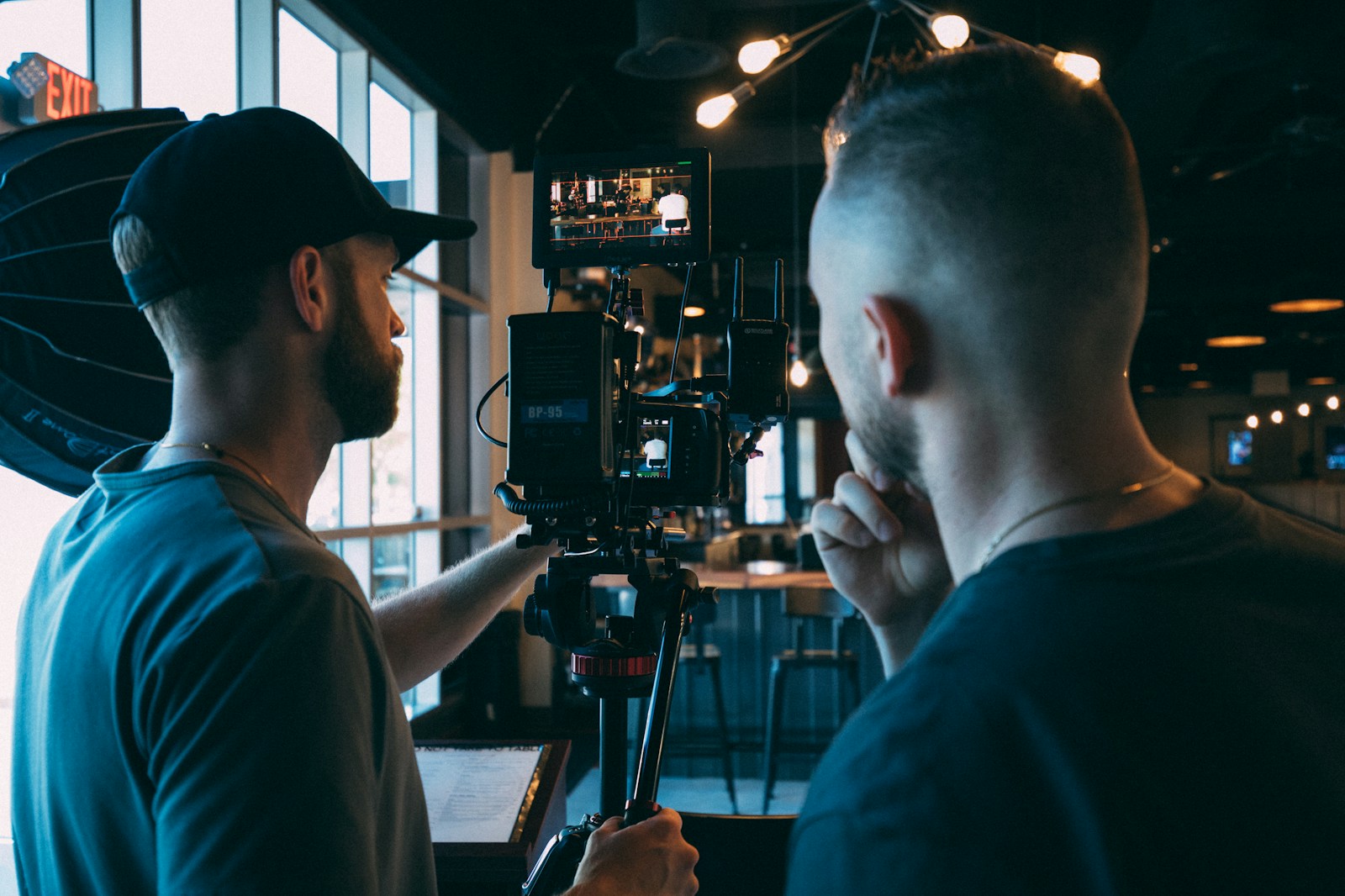
By the end of this hour, you'll have a complete 60-second video using the exact structure that top creators use to hook viewers in 3 seconds and keep them watching until the end.
🎯 What You'll Build
A polished 60-second video following the viral formula: Hook (0-3s) + Build (4-45s) + Payoff (46-60s). You'll film one continuous take and edit it into a fast-paced, engaging piece that follows proven viral patterns.
Example structure:
- Hook: "This $5 ingredient changed my morning routine"
- Build: Show the process with quick cuts and tension
- Payoff: Reveal the transformation with a clear call-to-action
⏱️ Time Breakdown
📋 Prerequisites
- Smartphone with video capability
- CapCut app (free) installed
- A simple topic you can demonstrate in 60 seconds
- Basic phone video recording experience
- Quiet filming space with decent lighting
Step 1: Script the 3-Act Structure (0–10 min)
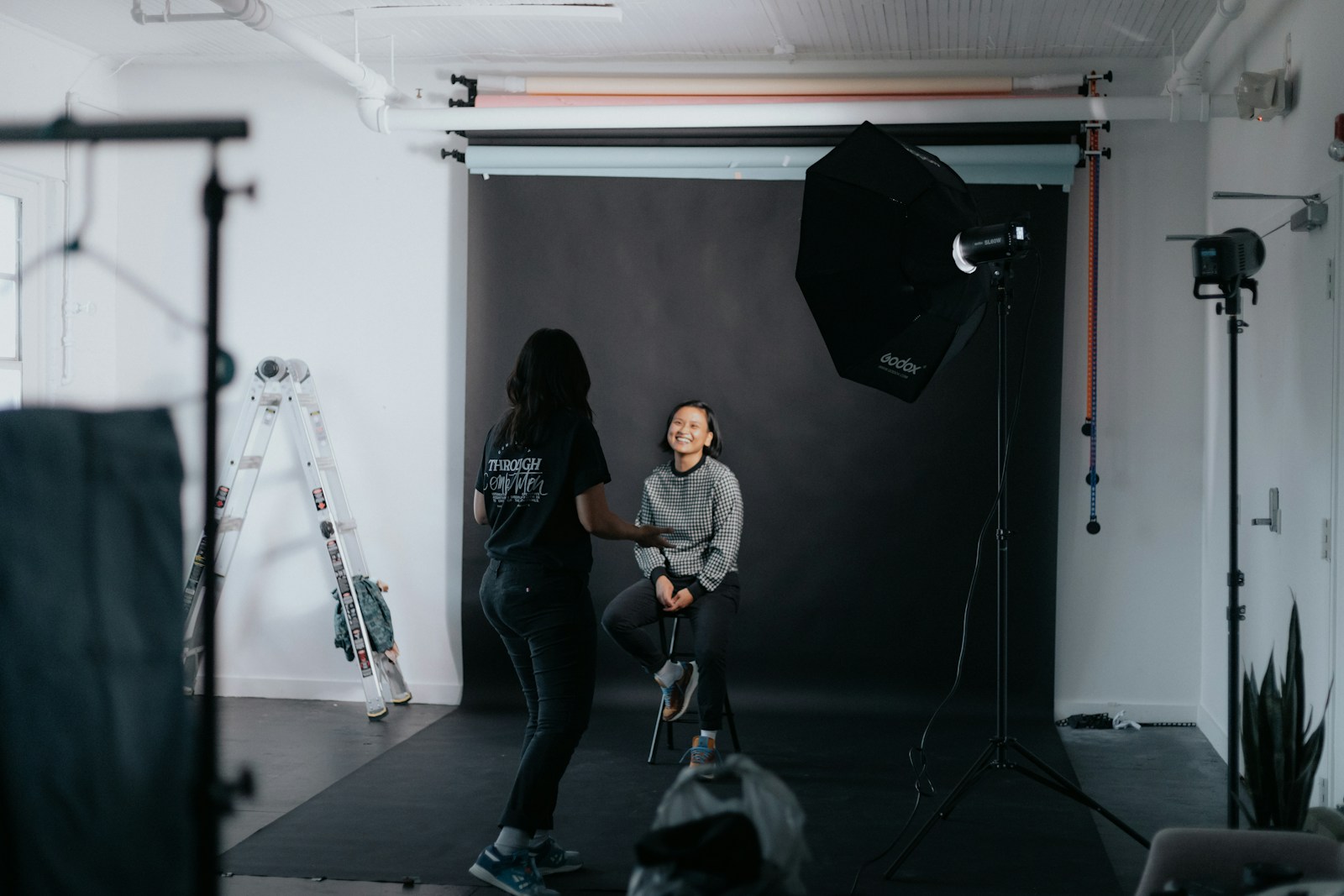
Write your script using the proven viral formula. Each act has a specific job.
Act 1 - Hook (0-3 seconds): Start with curiosity, controversy, or a bold claim.
Bad hook: "Today I'm going to show you how to make coffee" Good hook: "This barista trick makes $2 coffee taste like $20 coffee"
Act 2 - Build (4-45 seconds): Deliver on your hook promise while building tension. Use the "but first" technique to delay gratification.
Structure: Show the problem → Tease the solution → Build anticipation
Act 3 - Payoff (46-60 seconds): Deliver the promised result and end with a clear next action.
Write your script in this format:
HOOK (3s): "This $5 morning routine doubled my energy"
BUILD (42s):
- Show tired morning (5s)
- "But first, let me show you what I used to do" (8s)
- Demonstrate old routine problems (12s)
- "Then I discovered this simple change" (10s)
- Show new routine step-by-step (7s)
PAYOFF (15s):
- Reveal energy transformation (10s)
- "Try this tomorrow and comment your results" (5s)
Checkpoint
Does your hook create immediate curiosity without giving away the answer?
Step 2: Film Your One-Take Raw Material (10–25 min)

Film 3-5 minutes of continuous footage covering all your script points. You'll cut this down later.
Setup your shot:
- Film vertically (9:16 ratio)
- Position camera at eye level or slightly above
- Ensure your face is well-lit (face the light source)
- Leave headroom (space above your head)
Recording technique: Film everything in one continuous take, but speak each section 2-3 times with slight variations. This gives you options in editing.
What to capture:
- Your hook line (say it 3 different ways)
- All demonstration steps at normal speed
- Close-up shots of key moments
- Your face reactions and transitions
- The final result/payoff clearly
Pro filming tips:
- Speak 20% louder and more animated than normal
- Pause 2 seconds between each section
- Use hand gestures to emphasize points
- Look directly into the camera lens, not the screen
Checkpoint
Do you have clear footage of your hook, all build steps, and the final payoff?
Step 3: Edit Hook and Pacing in CapCut (25–40 min)
Open CapCut and create your viral-paced edit.
Import and rough cut:
1. Tap "New project"
2. Select your raw footage
3. Drag timeline to your best hook delivery
4. Cut out everything before it (use Split tool)
5. Mark your Hook (0-3s), Build (3-45s), Payoff (45-60s) sections
Hook editing (critical first 3 seconds):
- Use your strongest hook delivery
- Cut out any "um" or hesitation
- Add a quick 0.5s preview of your payoff at the very start
- Speed should feel urgent, not rushed
Build section pacing: Cut every 2-4 seconds maximum. This maintains attention.
- Remove dead air and filler words
- Speed up demonstration parts to 1.2x
- Keep face-to-camera parts at normal speed
- Use jump cuts to compress time
Timeline should look like:
0-1s: Quick payoff preview
1-3s: Hook statement
3-15s: Problem setup (multiple quick cuts)
15-35s: Solution demo (sped up with cuts every 3s)
35-45s: Transition to result
45-60s: Payoff and call-to-action
Step 4: Add Captions, Music, and Polish (40–55 min)
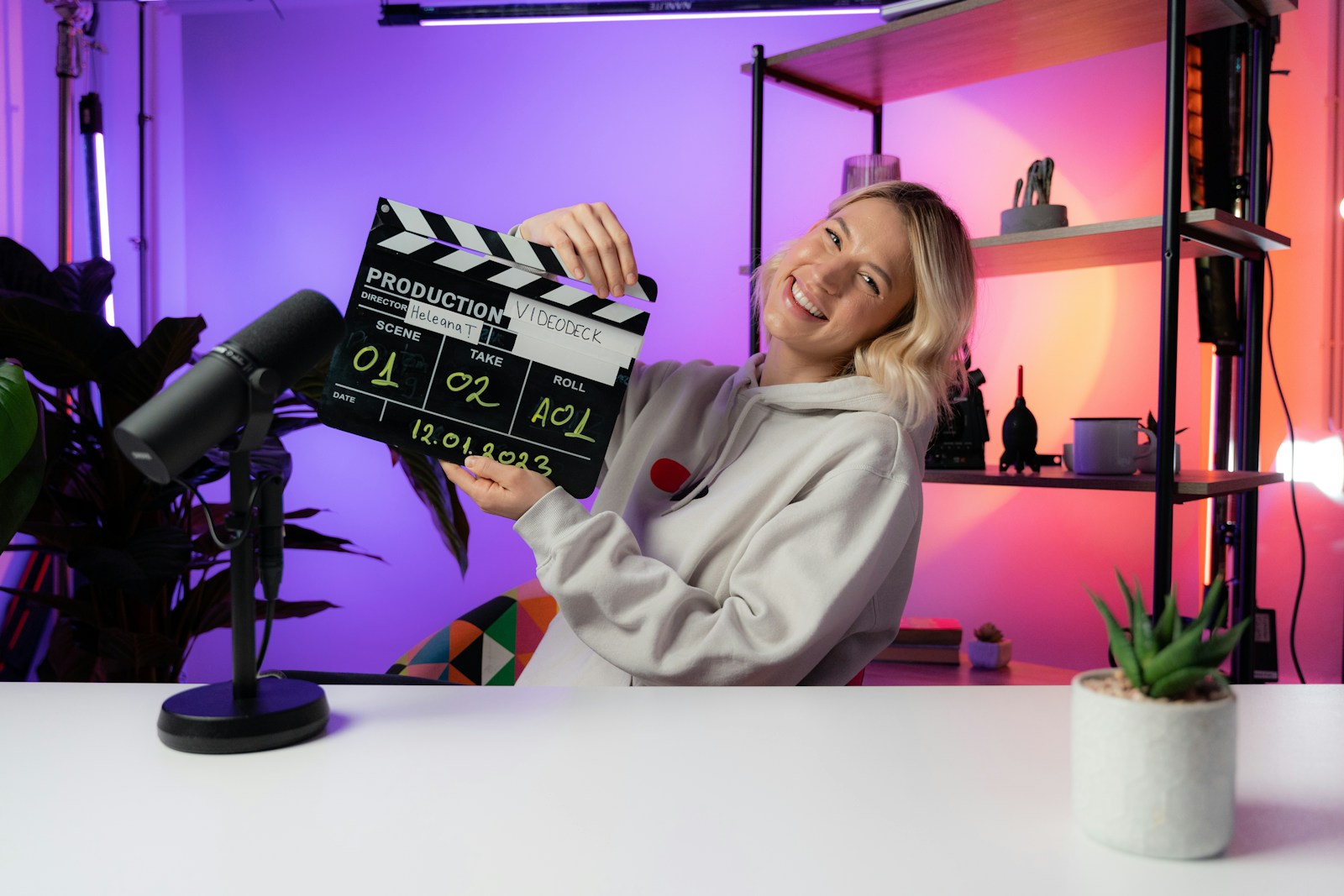
Make your video accessible and engaging with professional touches.
Auto-captions:
1. Tap "Text" → "Auto captions"
2. Select language and generate
3. Review and fix any errors
4. Choose "Pop 2" or "Typewriter" style
5. Position captions in lower third of screen
Background music:
- Go to "Audio" → "Music"
- Search "upbeat" or "motivational"
- Choose tracks under 30s that loop well
- Set volume to 20-30% (your voice should dominate)
- Fade in/out at beginning and end
Visual polish:
- Add subtle zoom (1.0x to 1.1x) on important moments
- Use "Transition" → "Flash" between major sections
- Apply "Sharpen" filter at 30% strength
- Adjust "Brightness" +10 and "Contrast" +15
Final timing check: Your video should be exactly 59-60 seconds. If over, cut pause time. If under, slow down the payoff section to 0.9x speed.
Checkpoint
Can you read all captions clearly and hear both your voice and music at appropriate levels?
Step 5: Ship It (55–60 min)

Export with optimal settings and prepare for upload.
Export settings in CapCut:
- Resolution: 1080p
- Frame rate: 30fps
- Quality: High
- Format: MP4
Quick quality check:
- Play full video without sound (captions should tell the story)
- Check first 3 seconds grab attention immediately
- Verify payoff delivers on hook promise
- Confirm video ends with clear next action
Upload preparation: Write your caption hook using the same curiosity principle as your video hook.
Video hook: "This $5 morning routine doubled my energy" Caption hook: "I can't believe this simple change transformed my mornings (results in comments)"
🎉 Your viral-structure video is ready to publish. You've used the same 3-act formula that generates millions of views.
🎁 Bonus
- Pattern interrupts: Add unexpected zooms or angle changes every 10 seconds to reset attention
- Cliffhanger loops: End with "Part 2 tomorrow" to build series momentum
- Comment bait: Ask specific questions that require detailed answers, not just yes/no
📚 Next Steps
🔗 Resources
- CapCut Creator Academy - Free advanced editing courses
- VidIQ YouTube Channel - Viral content strategy breakdowns
- Creator Economy Report 2024 - Latest engagement data and trends
- MrBeast Interview on Hooks - Master class in first 3 seconds
- Social Media Examiner - Platform-specific viral tactics
Photos on Unsplash, used under the Unsplash License.